Product modules

How a written program becomes proof

Each module is part of a living program: a named owner, adopted policies, ongoing checks, and a report you can share — tied to the checklist they named. The examples below show that work in your dedicated dashboard—not a 24/7 security team or outsourced IT shop.

Essentials Plan

Identity & cloud apps

Ongoing two-step sign-in, admin, and sharing checks that keep the program in force.

Connect with a secure read-only link to Google Workspace, Microsoft 365, Dropbox, or Amazon Web Services, and CyberSafe.Now checks two-step sign-in coverage, privileged roles, audit logging, and risky sharing against your written policies. Checks update daily; you fix issues in the admin console with guided tasks. Amazon uses access keys (not a sign-in connection).

  • Secure read-only connection to Google Workspace, Microsoft 365, or Dropbox; Amazon access keys for AWS (read-only — we never change your settings)
  • Automated two-step sign-in, admin-role, audit-logging, and sharing checks for the platform you chose
  • Daily update with alerts when a check goes from passing to failing
  • Guided fix-it tasks with walkthroughs and admin console screenshots
Identity & cloud apps example dashboard
Example Identity & cloud apps dashboard.

Essentials Plan

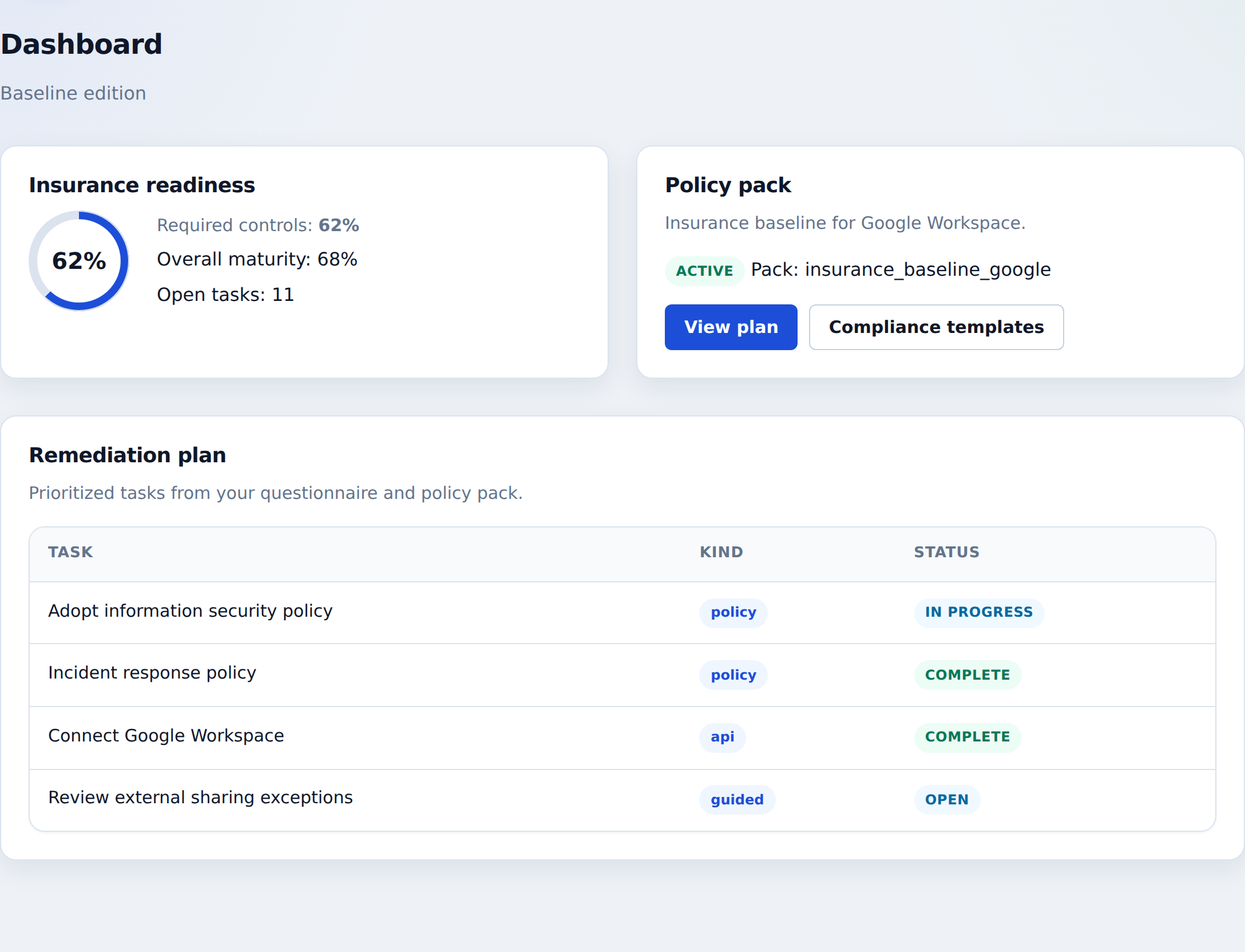
Policies & written program

Name an owner, adopt policies, and finish the plan a third party can check.

After subscribe, a short questionnaire builds your written program: policy documents to adopt, a named owner, the checklist you will cite, automated checks to pass, and guided sign-offs. Essentials Plan lists the three core policies as optional; Monitor Plan includes them (Information security program policy, Incident response policy, and Data handling and classification policy); Assure Plan includes the full set of 10 policy templates.

  • Named program owner and cited checklist on file
  • Written policies matched to your environment
  • Essentials Plan: three core policy templates optional; Monitor includes those three
  • Assure Plan: all 10 policy templates included so the full program is on file
Policies & written program example dashboard
Example Policies & written program dashboard.

Essentials Plan

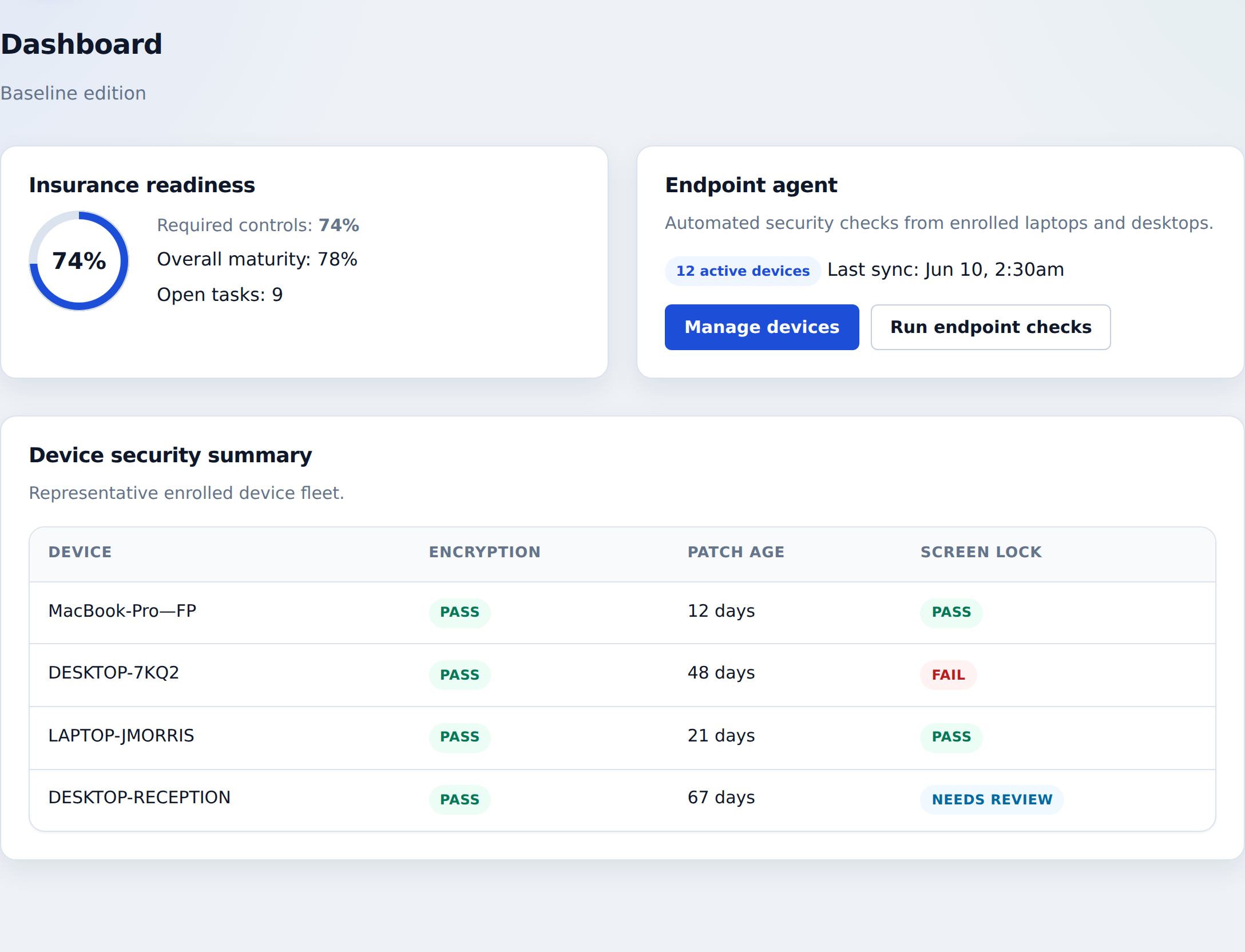
Device security

Disk encryption, updates, and screen lock across Windows and Mac laptops.

Enroll laptops with a small app on each device, approve them through the dashboard, and track the device checks on your plan—encryption, update age, and screen lock. Monitor Plan adds antivirus presence, unexpected open network services, who has administrator rights, Wi‑Fi, and known vulnerable or no-longer-supported software. Assure Plan adds a browsable installed-applications inventory.

  • OS-specific installer for this site (Windows, macOS, Linux) with the enrollment token already filled in; approve each device before it reports
  • Essentials Plan: encryption, update age, screen lock, and device enrollment
  • Monitor Plan: antivirus, unexpected open network services, who has administrator rights, Wi‑Fi, and known vulnerable or no-longer-supported software
  • Assure Plan: per-device installed-apps list in the dashboard and evidence spreadsheet
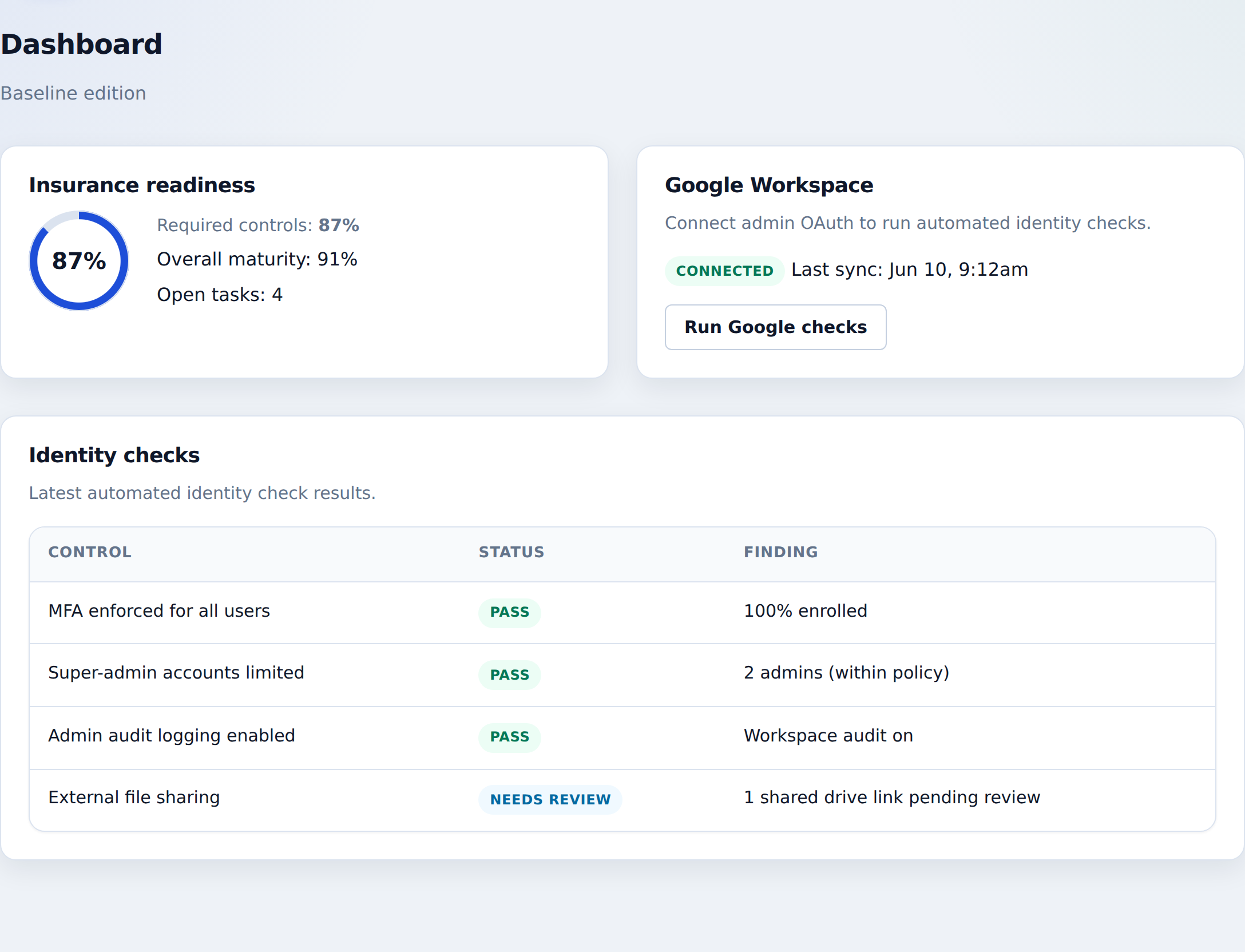
Device security example dashboard
Example Device security dashboard.

Essentials Plan

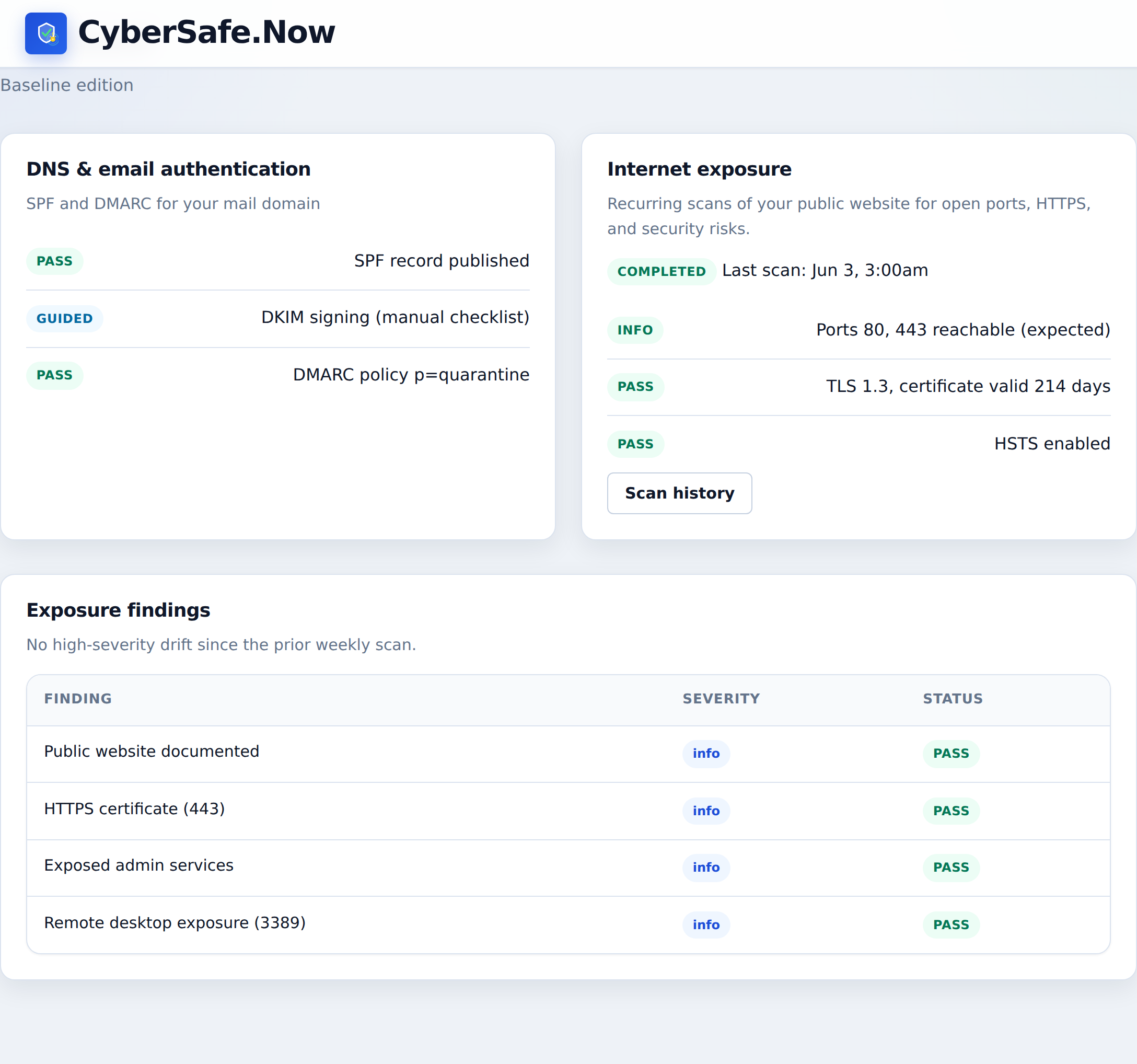
Email & exposure

Email authentication plus regular scans of your public website.

Check that your mail domain is set up so others can't fake your email, then—when you consent—run scheduled scans of your public website for open doors, HTTPS problems, and exposed admin logins. Monitor Plan adds deeper remote-desktop checks and public software version checks.

  • Email authentication checks tied to your fix-it task list
  • Weekly internet scans with change summaries and high-severity alerts
  • HTTPS grade and certificate expiry explained in plain language
  • Monitor Plan: remote desktop left open to the internet, and public software version findings
Email & exposure example dashboard
Example Email & exposure dashboard.

Essentials Plan

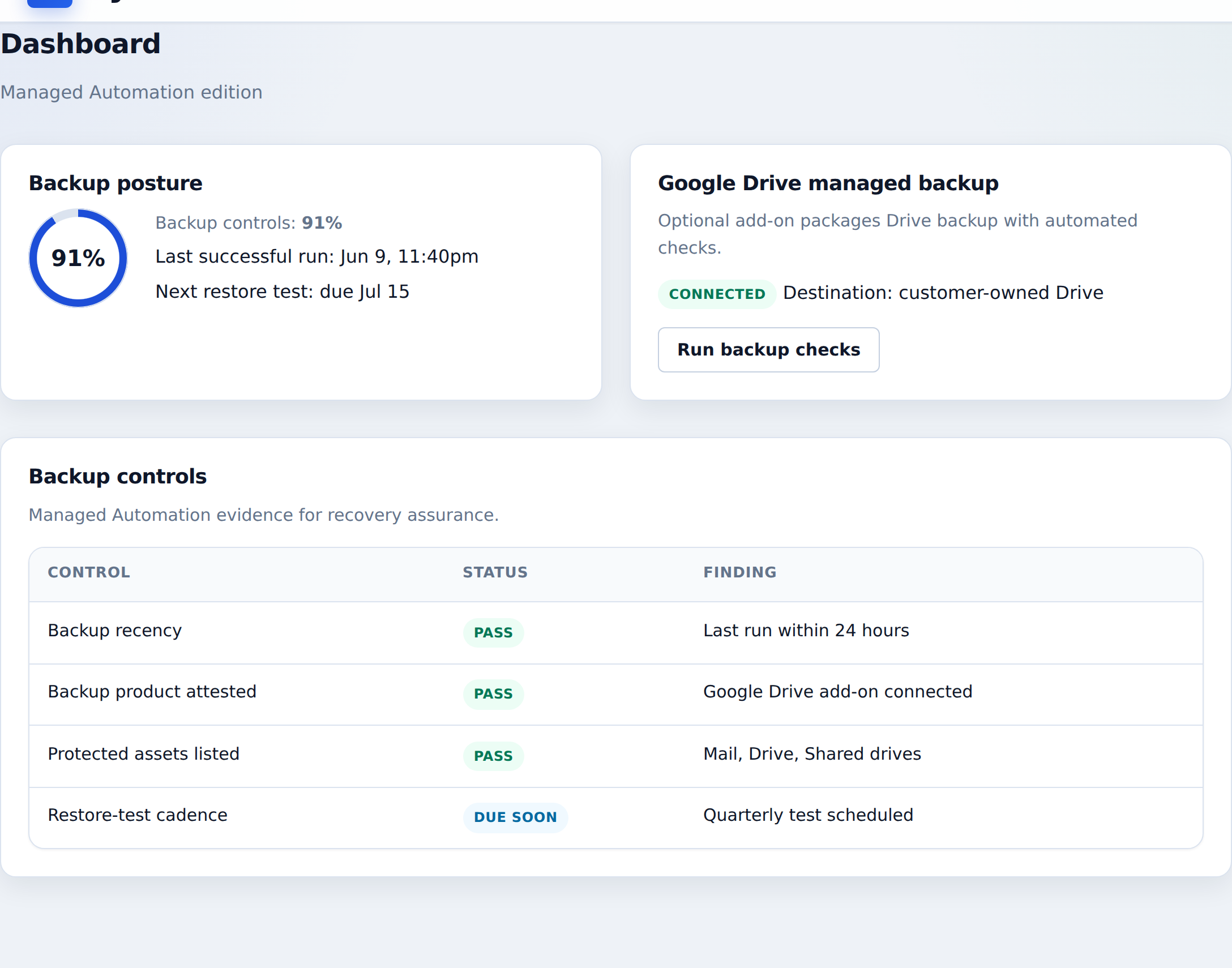
Backup policy & evidence

Document your backup approach—and optionally keep monthly platform evidence packs on disk.

Essentials Plan requires a tailored data backup policy (reviewed every 90 days). CyberSafe stores that policy as evidence a third party can review—we do not run or validate your backup product. Add the $49/mo compliance evidence archive (included on Assure Plan) for monthly packs of your account records and report snapshots on the disk that holds your dashboard, downloadable while entitled. It is not a full backup of Gmail, Shared Drives, or laptop disks.

  • Required data backup policy with quarterly review (policy upload on Essentials Plan+)
  • Compliance evidence archive: monthly packs on the disk that holds your dashboard—download while entitled
  • Why it's worth it: about one consultant hour/month vs. manual export chores and last-minute evidence scrambles
  • Honest scope: policy evidence + platform packs — keep your existing Workspace or laptop backup product
Backup policy & evidence example dashboard
Example Backup policy & evidence dashboard.

Essentials Plan

Evidence & reporting

Shareable reports with a checklist appendix and an optional signed risk assessment.

Generate snapshots of control status, exceptions, module evidence, and fix-it history, then download a permissions-locked PDF, email contacts, or create an expiring share link. Monthly and renewal reports include a control-to-question appendix (the program ask each subscribed control answers). Renewal reports also include a control-to-checklist appendix and, when you ask, a written risk assessment with a program-owner signature block. A public sample shows the evidence summary and the control list you can share on request. Essentials Plan and Monitor Plan retain records for 6 months by default; add 3-year retention (+$10/mo, included on Assure Plan) so you can show what changed across multiple years. Assure Plan also adds installed-app inventory to reports. Each customer gets their own dashboard — this is not a shared partner portal.

  • Executive, monthly, program, and incident-response report templates with PDF export
  • Control-to-question appendix; renewal also includes a control-to-checklist appendix and optional written risk assessment with owner sign-off
  • Expiring share links so you can hand a report to a third party without a partner portal
  • 3-year retention: multi-year history for a customer, board, or regulator ask
Evidence & reporting example dashboard
Example Evidence & reporting dashboard.

Optional add-ons that pay for themselves when someone asks

Enable either add-on on Essentials Plan or Monitor Plan—or get both included on Assure Plan. Each one answers a specific third-party ask without buying another security product.

+$49.00/mo on Essentials & Monitor plans · included on Assure Plan

Compliance evidence archive

Monthly evidence packs on the disk that holds your dashboard.

  • Month-stamped packs stay on disk after a dashboard rebuild
  • Hand over last month's pack without a scramble

+$10.00/mo on Essentials & Monitor plans · included on Assure Plan

3-year records retention

Keep the audit trail far past one questionnaire.

  • Supports multi-year evidence requests and dated check history
  • Month-to-month picture of what got better or worse

Controls by plan

Every control we support for Google Workspace, Microsoft 365, Amazon Web Services (AWS), or Dropbox teams, by plan — including downloadable policy templates (Evidence & policies rows marked policy template ). Identity names are the Google Workspace suite; Microsoft 365, AWS, and Dropbox swap the equivalent checks. Rows marked if appropriate appear only when your environment answers say they apply. Numbered footnotes mark identity controls that are not available or not relevant on AWS and/or Dropbox.

Control Essentials Plan Monitor Plan Assure Plan
Identity & cloud apps
Multi-factor authentication (MFA) enforced for all users Included Included Included
Super admin count within policy Included Included Included
Audit logging enabled for tenant Included Included Included
Google Workspace Open Authorization (OAuth)/app consent review Included Included Included
Drive external sharing posture Included Included Included
Security alert routing configured Included Included Included
Shared Drives in use for team data 2 Included Included Included
Legacy app access restricted (Open Authorization (OAuth) enforced) Included Included Included
No shared user logins detected Included Included Included
Dormant accounts reviewed or disabled Included Included Included
Joiner/leaver process documented and followed Included Included Included
Advanced spam and phishing protection configured 1 Included Included Included
Laptops
Full-disk encryption on endpoints Included Included Included
Operating system (OS) patch posture within policy Included Included Included
Screen lock policy on endpoints Included Included Included
All endpoints enrolled in device management Included Included Included
No risky local admin states on endpoints Not included Available Available
Secure Wi-Fi on endpoints Not included Available Available
No risky services listening on endpoints Not included Available Available
No known-vulnerable software on endpoints Not included Available Available
Email
SPF, DKIM, and DMARC configured Included Included Included
Public exposure
Transport Layer Security (TLS) hygiene for public hostname Included Included Included
No exposed admin services on public hostname Included Included Included
Web application firewall (WAF) or content delivery network (CDN) in front of public application if appropriate Not included Available Available
Public web surface documented if appropriate Not included Available Available
Remote Desktop Protocol (RDP) not exposed on internet or endpoint listeners if appropriate Not included Available Available
HTTP Strict Transport Security (HSTS) enabled on public Hypertext Transfer Protocol Secure (HTTPS) site if appropriate Not included Available Available
No known-vulnerable public software versions if appropriate Not included Available Available
File transfer
Legacy File Transfer Protocol (FTP) decommissioned or replaced if appropriate Available Available Available
Evidence & policies Policy templates download from the dashboard.
Data backup policy documented policy template Included Included Included
Incident response playbook documented Included Included Included
Remote work security acknowledged if appropriate Included Included Included
Dual control for payment changes policy template if appropriate Not included Available Included
Acceptable use policy documented policy template Not included Available Included
Data handling and classification policy documented policy template Available Included Included
Password and access control policy documented policy template Not included Available Included
Information security program policy documented policy template Available Included Included
Incident response policy documented policy template Available Included Included
Remote work security policy documented policy template if appropriate Not included Available Included
Third-party and vendor risk policy documented policy template Not included Available Included
Backup and business continuity policy documented policy template Not included Available Included
Security awareness training policy documented policy template Not included Available Included
Renewal evidence pack available Not included Not included Included
Integrations
Endpoint detection and response (EDR) integration connected if appropriate Not included Available Available

1 Not available on AWS or Dropbox

2 Not available on AWS

Ready for a security dashboard built around a program you can prove?

Contact Us for Pre-Release

Contact us for pre-release

Tell us how to reach you. We will follow up at the email or phone you provide.